Free stems from beats people never finished.
Every seed on Seedbed is an unfinished idea with its stems attached. Preview it, pull the stems, and take it somewhere new.
- From real ideasDrums, bass, chords and melody, not generic loops.
- Browser or LiveDownload them, or drop them into your Set as clips.
- Credit both waysYour flip links to the original, and back.
Stems, not samples.
Sample packs give you loops built to be generic. Seeds are real ideas: drums, bass, chords and melody from a track someone got stuck on. You get the parts, with the vibe already in them.
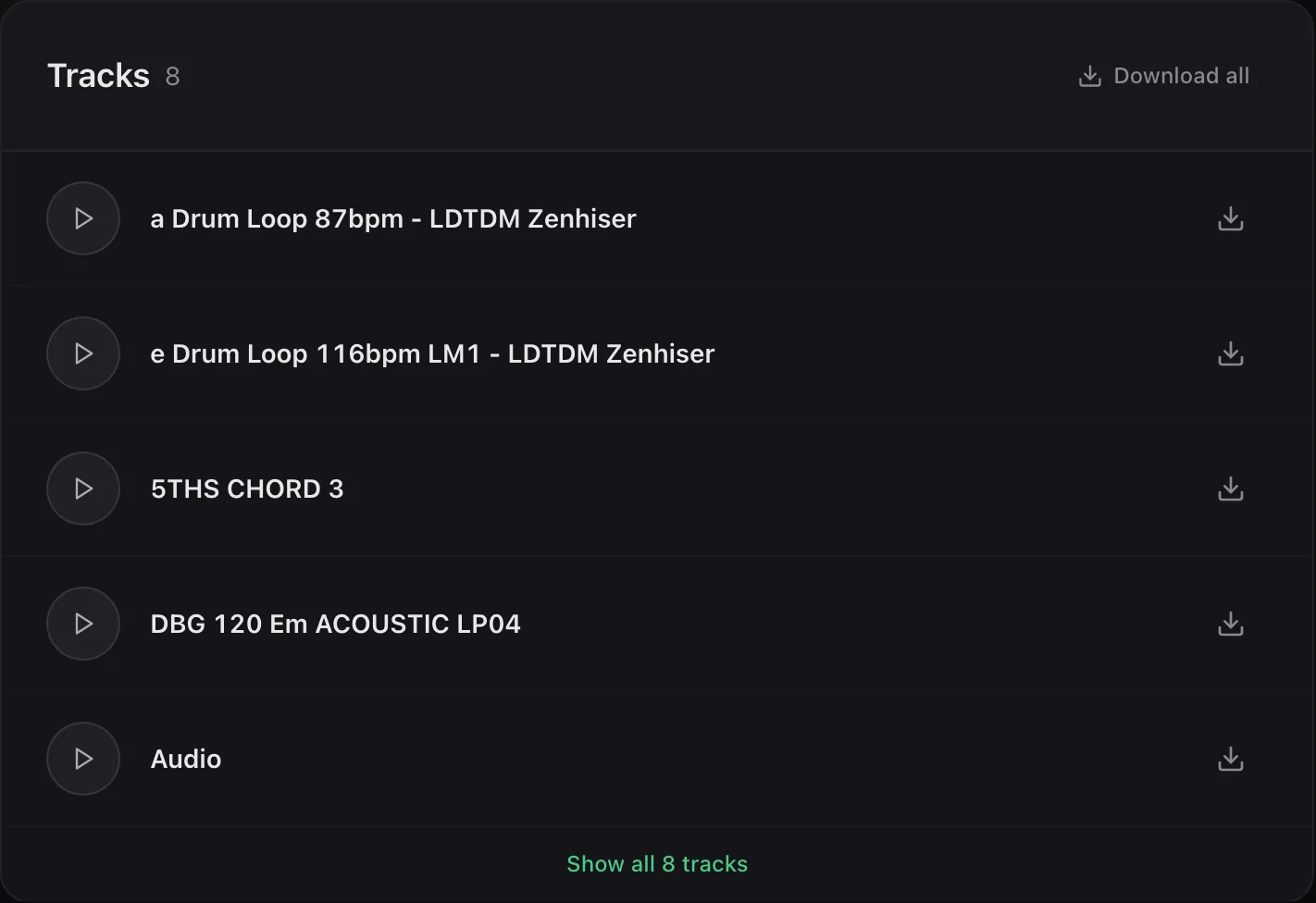
Download in the browser, or straight into Live.
Grab any seed's stems from the browser, no install needed. With the Ableton extension, seeds land in your Set as clips, ready to play.
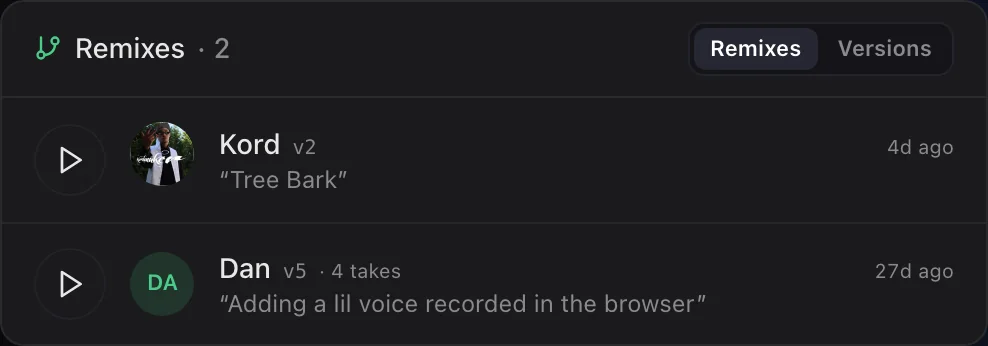
Your flip gets credited. So does theirs.
Post your remix back and it branches off the original seed, with your name on it. People can find the original from your version, and yours from theirs.
Questions about free stems
Where can I find free stems to remix?
On Seedbed, every public seed comes with its stems. Browse the Crate in the browser or inside Ableton Live and download any seed's stems.
Do I need Ableton to use the stems?
No. Stems download as audio you can use in any DAW. Seedbed also opens seeds directly in Ableton Live, Audiotool, and its own browser studio.
Can I share my remix?
Yes. Post it back to Seedbed and it shows up as a flip of the original seed, credited to you.
Most music never leaves the hard drive.
Plant yours, or pick up someone else's.