Make music with other producers, online.
Seedbed is a place to share unfinished beats and finish them together: remix someone's idea on your own time, or jam on it live.
- Solo or liveFlip a seed on your own time, or jam on it together.
- Your DAW, or noneAbleton Live, Audiotool or a browser tab.
- Never a blank pageSeeds are beats producers got stuck on.
Two ways to collaborate.
Solo: pick up someone's seed, flip it, post it back. Multiplayer: start a jam, send the link, and work on the same project together in real time.
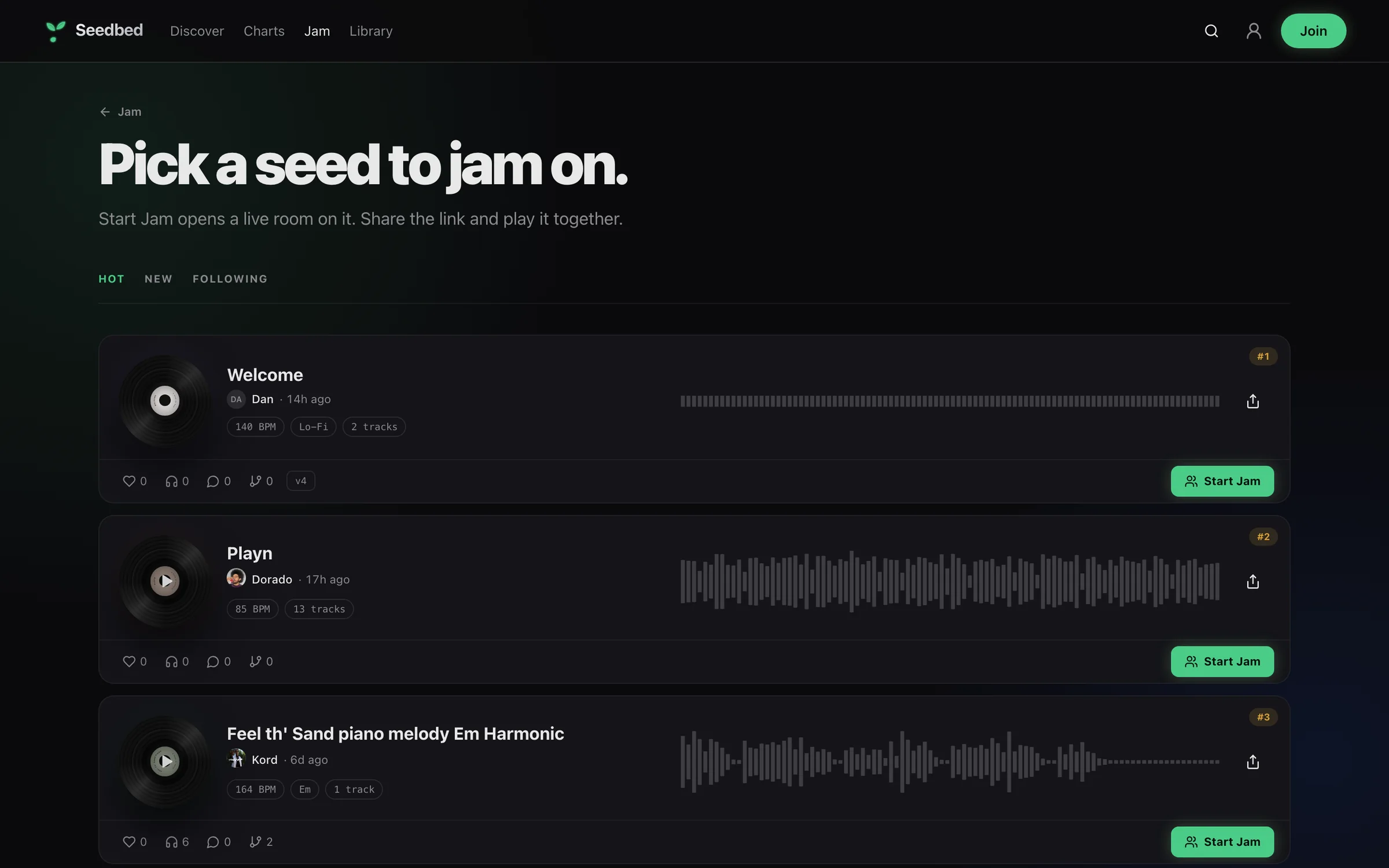
In the DAW you already use.
Jam inside Ableton Live with the Seedbed extension, in Audiotool, or straight from the browser with nothing to install.
 Dorado· Ableton LiveLive
 Kord· BrowserLive
Built around unfinished ideas.
Most collaboration tools start from a blank project. Seedbed starts from the beats producers gave up on, so there's always something to jump into.
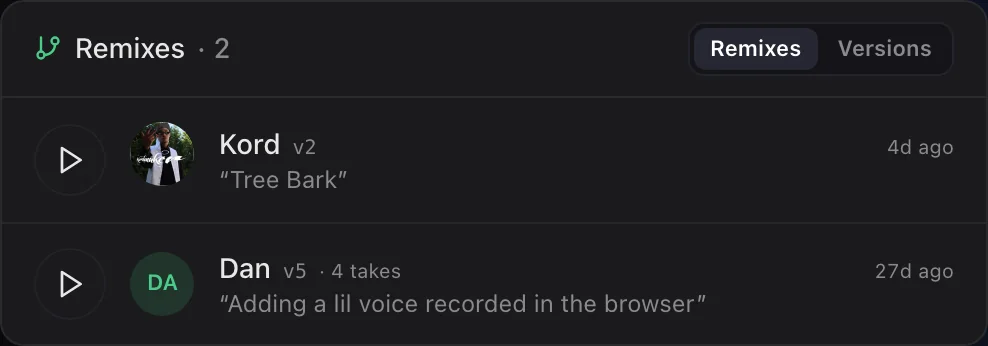
Questions about collaborating online
What's the best way to collaborate on music online?
Work on the same project instead of emailing files. Seedbed keeps one shared project per jam and syncs edits live, in Ableton Live, Audiotool or the browser.
Can I collaborate without installing anything?
Yes. The Seedbed browser studio opens any seed with no install. Add the Ableton extension when you want to jam inside Live.
How do I find producers to collaborate with?
Browse seeds from other producers, flip one, or start a jam on it. People who pick up your seeds show up as credited flips.
Most music never leaves the hard drive.
Plant yours, or pick up someone else's.